Teletext viewer · free and open source
texttv
SVT Text-TV, Swedish public-service teletext, in your terminal.
brew install dfallman/tap/texttv View on GitHub macOS, Linux and Windows
About
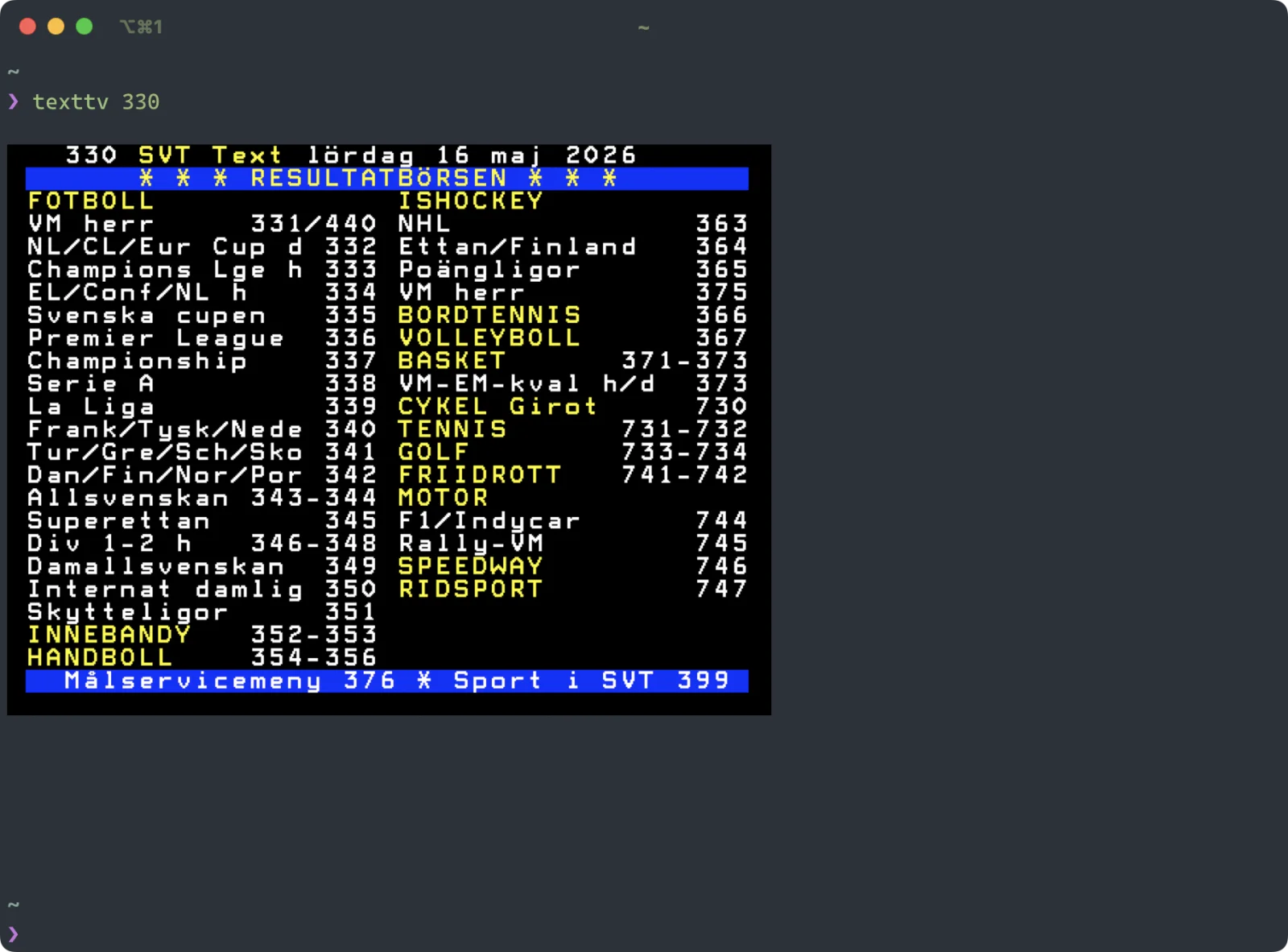
A small and fast, yet decidedly over-engineered viewer for SVT Text-TV. The interface might feel like 1979 calling, but teletext is still a properly excellent source of news.
Browse pages interactively, or print a single page straight into the terminal. It works in most terminal emulators, from iTerm2 and Ghostty to Windows Terminal and Alacritty.
What it does
Interactive browser
Type a page number, step through pages with the arrow keys, and follow links with Enter.
Single pages
texttv 330 prints the sports results and exits, for a quick look or a script.
The right look, automatically
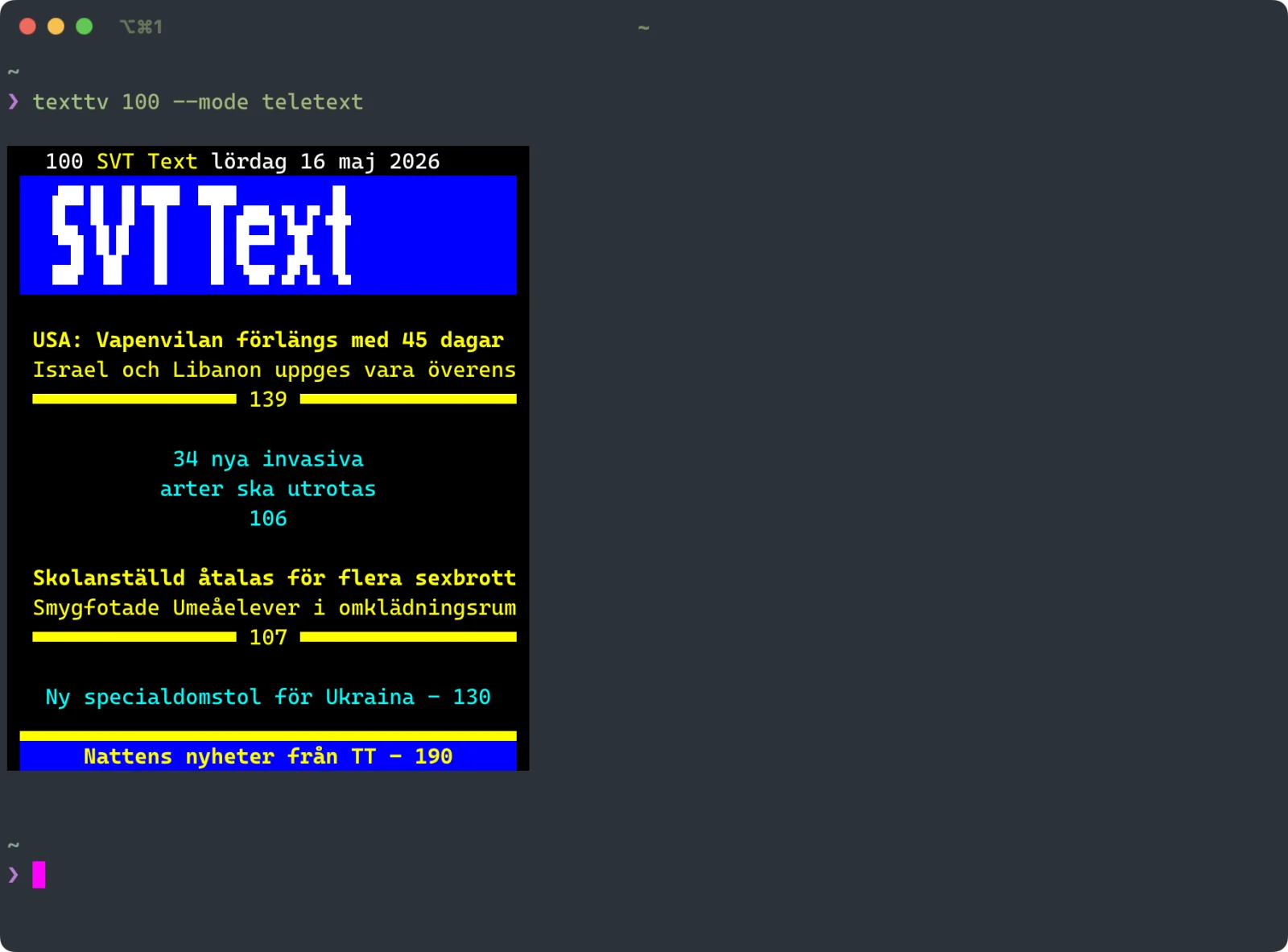
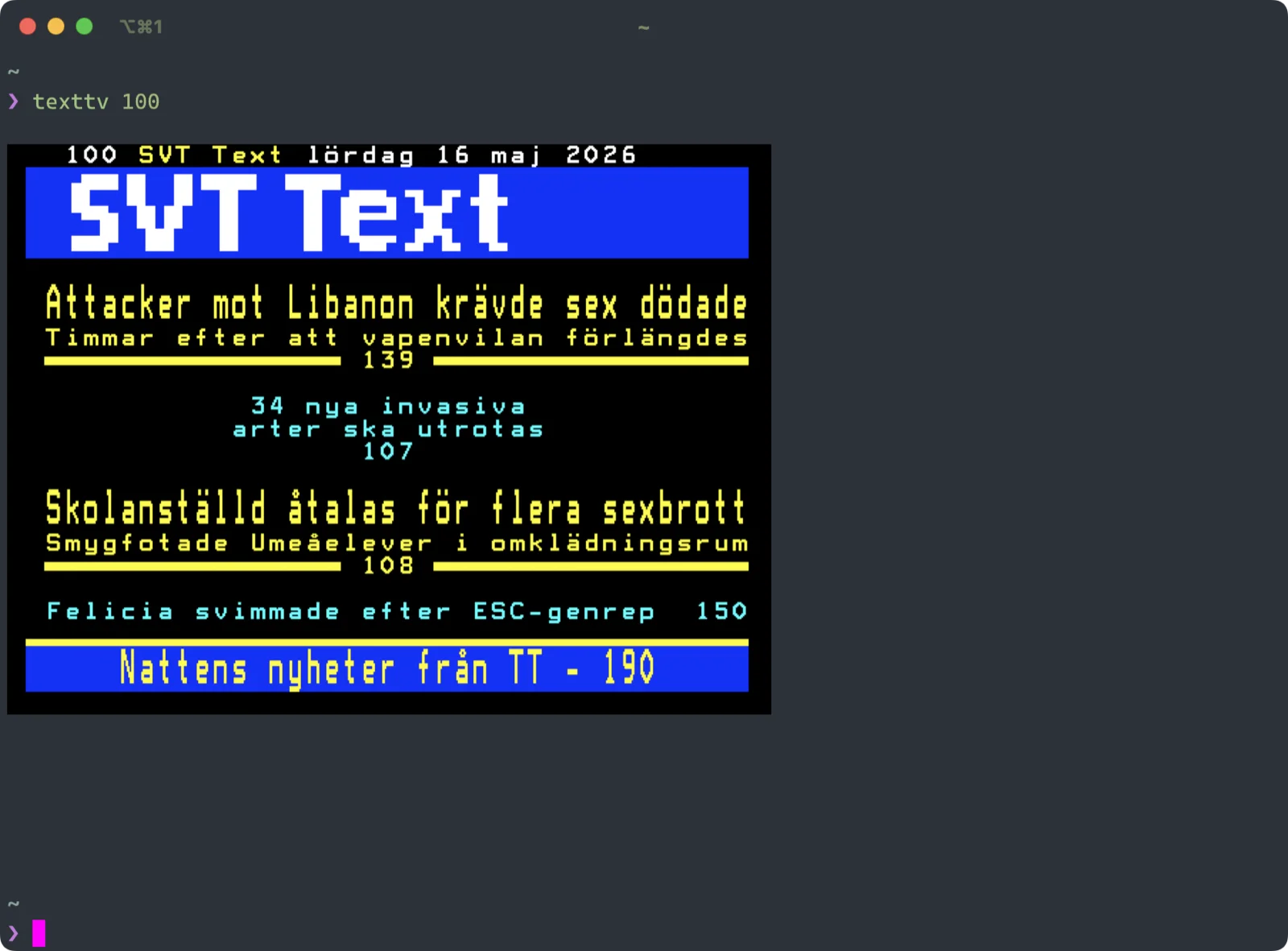
Picks teletext or image mode to suit your terminal. Override it with --mode or a config file.
Mosaics intact
The SVT logo, sport icons and weather symbols survive, drawn with Unicode block characters.
Install
With Homebrew, on macOS or Linux:
brew install dfallman/tap/texttv Or download a ready-made build for macOS, Linux and Windows from the latest release, or build it from the source on GitHub.
Try it
texttvtexttv 100 The first opens the browser: type a page number, use the arrow keys, Esc to quit. The second prints page 100.
texttv is free and open source under the MIT licence. Read the source, report an issue or contribute on GitHub.