Media server · free and open source
spritz
A nano DLNA media server for the terminal. No setup, no config.
brew install dfallman/tap/spritz View on GitHub macOS, Linux and Windows
About
Run it in a folder, and its video and audio files show up on the TVs, phones and speakers on your local network.
Most media servers are meant to run forever: you install a service, point it at a library, keep a database and leave it on. Spritz is the opposite. You have just downloaded something you want to watch, you run spritz in that folder, share it for as long as you need, and press Ctrl+C when you are done.
What it does
One command
Zero config and zero state. Serve the current folder, or name one or more.
Found automatically
Announces itself over SSDP/UPnP, so nobody has to type an IP address.
Three ways to browse
Videos, Music, and By folder, which follows the structure on disk.
Subtitles and artwork
Picks up .srt, .vtt and .ass files and cover art that sit next to your media.
Honest about formats
Reports duration, resolution and DLNA profile from the file itself, not its extension.
Leaves cleanly
Says goodbye on Ctrl+C, so clients drop it straight away.
Install
With Homebrew, on macOS or Linux:
brew install dfallman/tap/spritz Or download a ready-made build for macOS, Linux and Windows from the latest release, or build it from the source on GitHub.
Try it
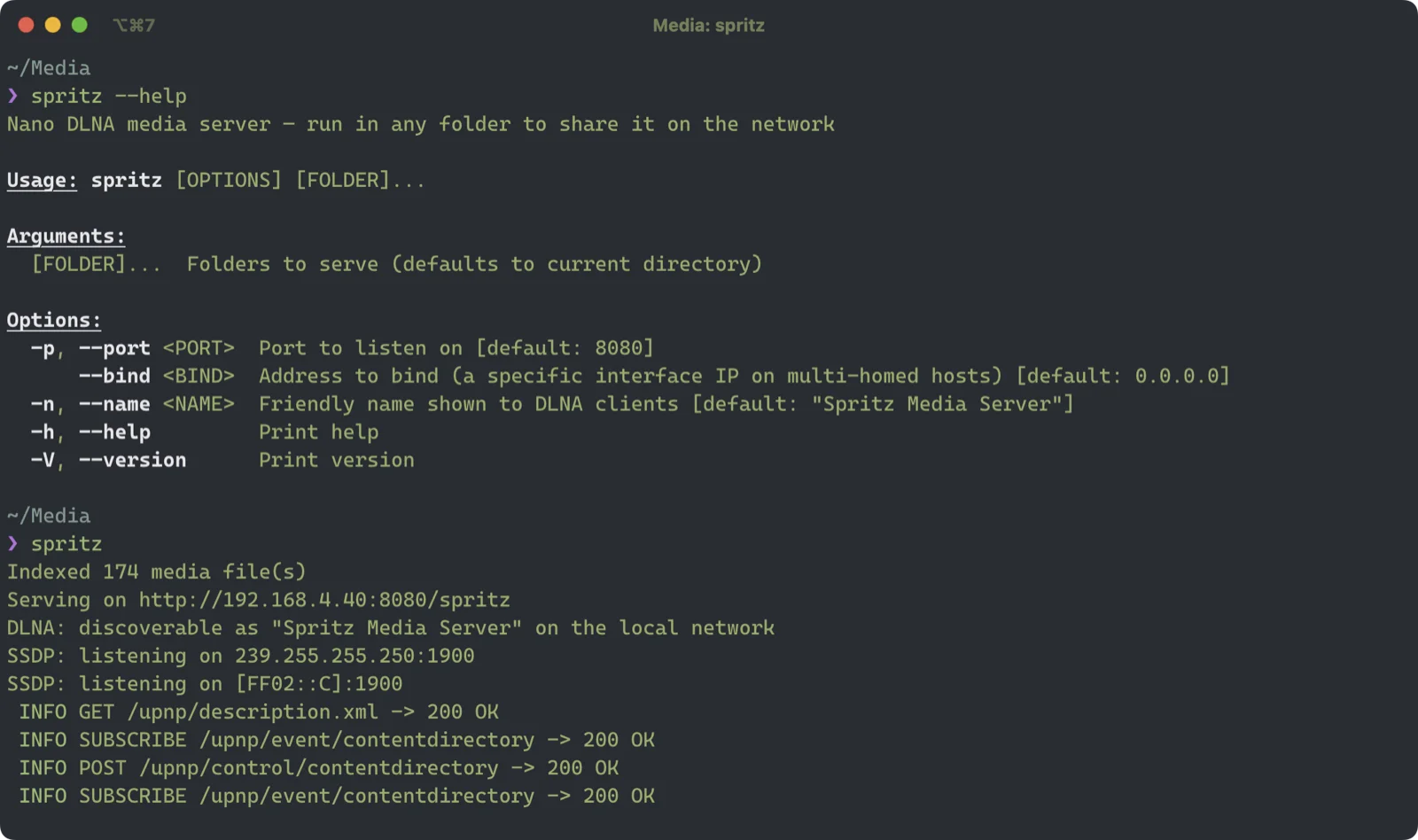
cd ~/Downloadsspritz Your TV, Apple TV (via Infuse or VLC), PS5, Xbox or Kodi sees the share within a few seconds.
spritz is free and open source under the MIT licence. Read the source, report an issue or contribute on GitHub.