Text editor · free and open source
dan
A fast, modern terminal text editor that needs no configuration.
brew install dfallman/tap/dan View on GitHub macOS, Linux, BSD and Windows
About
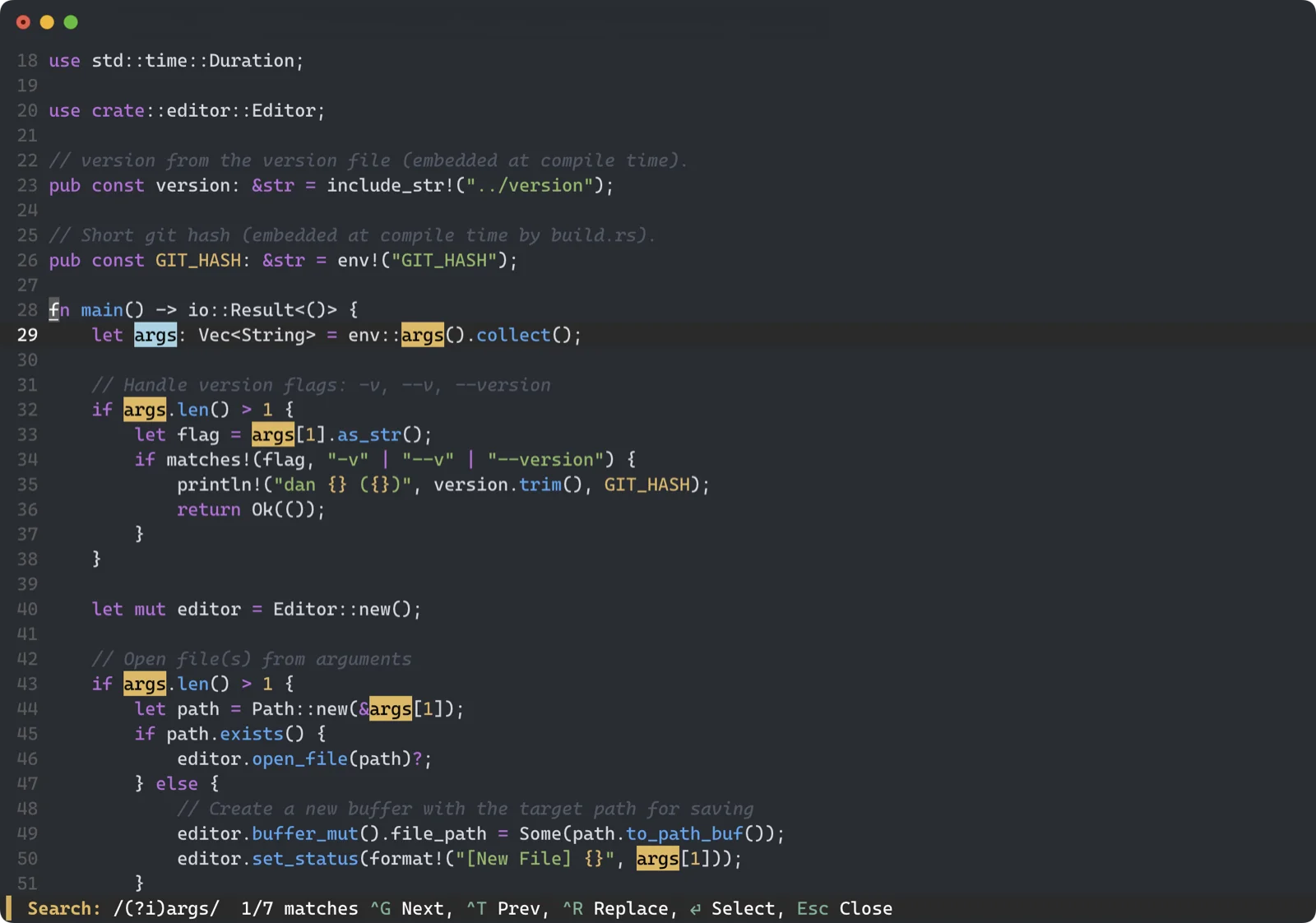
Dan is light, quick and very capable, without the features you don’t need. Install it and start editing with the shortcuts you already know: Ctrl+S to save, Ctrl+Z to undo, Ctrl+Q to quit.
It keeps input latency low over SSH, and its rope-based buffer stays responsive on files far past the point where most editors stall. Try it on a 100 MB log.
What it does
Modeless
No insert and normal modes, and no modal muscle memory to learn.
Command palette
Ctrl+P fuzzy-searches every action, open buffer and project file.
Large files
A rope buffer means file size doesn’t dictate speed. Under 20 MB of memory, typically.
Agent-friendly
When a coding agent or git rewrites an open file, dan merges it with your unsaved edits.
Safe saves
Atomic writes and automatic crash recovery, so a bad moment never costs you a file.
Feels at home
Mouse support, syntax highlighting, soft wrap, regex search and replace, and formatter integration.
Install
With Homebrew, on macOS or Linux:
brew install dfallman/tap/dan Or download a ready-made build for macOS, Linux, BSD and Windows from the latest release, or build it from the source on GitHub.
Try it
dan notes.md Press Ctrl+P for the command palette and Ctrl+H for the help bar.
dan is free and open source under the GPL-3.0 licence. Read the source, report an issue or contribute on GitHub.